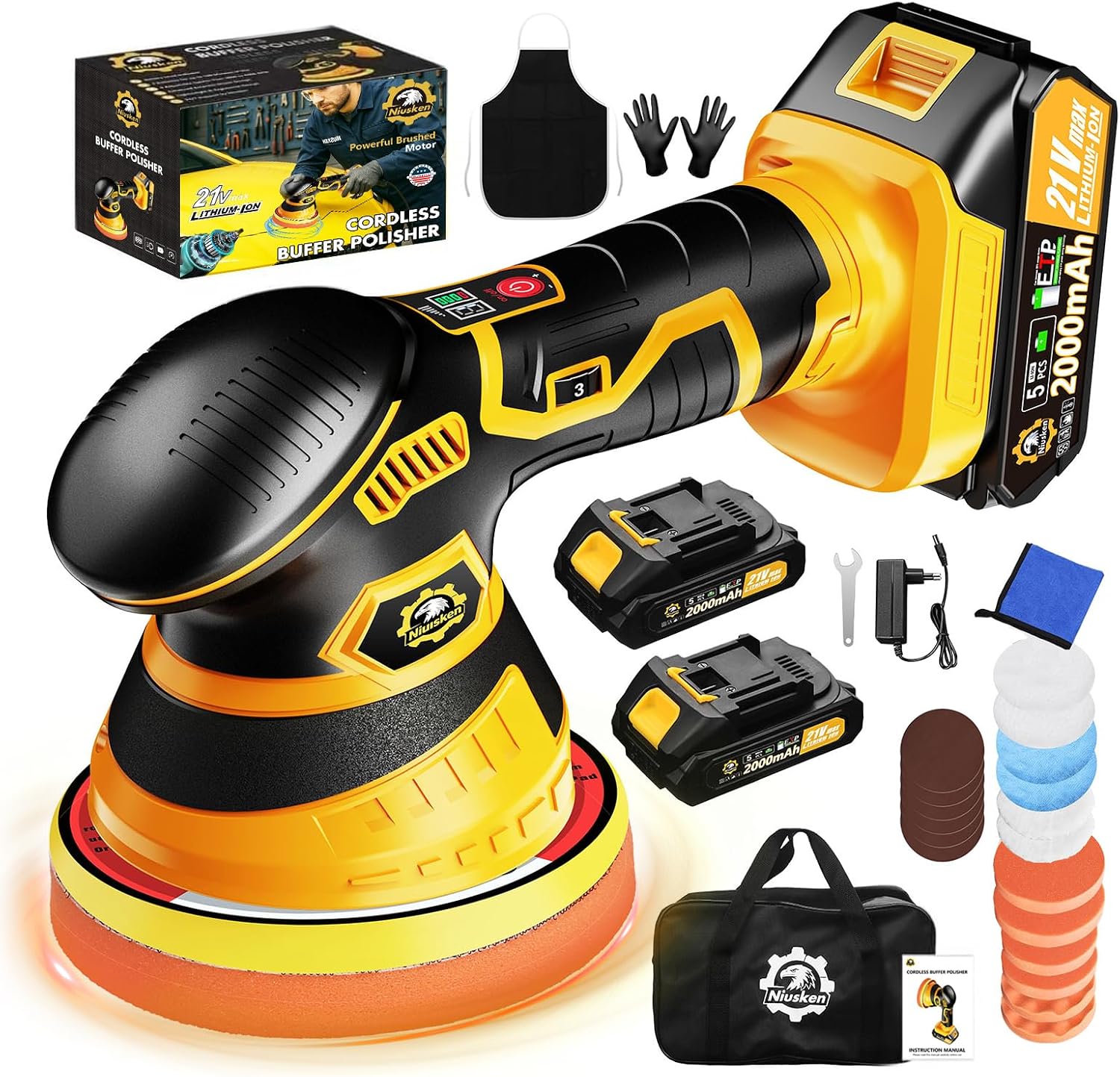
NIUSKEN focuses on practical automotive detailing and polishing tools for car owners, DIY users and mobile detailing work.
We care about straightforward instructions, a clear real-world use experience and useful support after purchase. We do not ask customers to decode unclear product language or hunt for help when a question comes up.
User manual
The guide supplied in the box.
Use this official manual for setup, pad selection, operating guidance, care and safety information.
These answers are based on the instruction manual supplied with the product. Stop using a damaged or unsafe tool and contact support.
Getting StartedHow do I choose the correct polishing speed?+
Use settings 1–2 for waxing and buffing, 3–4 for polishing and cleaning, and 5–6 for paint defects and oxidation. Start at a lower speed, work a small test area and use the least aggressive suitable process.
Battery and ChargingHow should I charge and store the battery?+
The charger light is red while charging and green when the battery is fully charged. For long-term storage, fully charge the battery, keep it in a cool, dry place and recharge and discharge it every three months.
Battery and ChargingWhy does the tool stop after becoming warm?+
The tool may activate overheat protection. Switch it off and allow it to cool for several minutes before continuing. Limit work on one small section to about one or two minutes.
Polishing Pads and AccessoriesWhich pad should I use for waxing?+
Use the wave sponge pad at low speed to spread a thin layer of wax or sealant. After the product hazes, use the microfiber cloth cover at low speed for final buffing.
Product CareHow do I clean the polishing pads?+
Wash used pads with warm water and mild detergent, then allow them to air dry completely before storage.
TroubleshootingWhat should I do if the tool does not start?+
Make sure the battery is charged and correctly inserted after pad installation is complete. Do not disassemble or modify the tool. If it still does not start, contact NIUSKEN support.
Warranty and SupportWhere can I find the model number?+
The supplied instruction manual does not identify a model number. Check the product label and packaging. If you cannot locate it, email support with your Amazon order ID and clear photos of the tool and label.
Warranty and SupportWhat information is required for warranty support?+
Provide your name, email address, Amazon order ID and a brief message or description of the support issue. Keep your Amazon order confirmation as proof of purchase.
Troubleshooting
Stop. Check. Continue safely.
Use the manual for your exact model. If a tool is damaged, unusually hot, smoking or unsafe, stop using it and contact support.
Tool stops during use
Possible Cause
Overheat protection may have activated.
What to Try
Switch off the tool and let it cool for several minutes. Work in small sections and avoid extended continuous use in one area.
When to Contact Support
Contact support if shutdowns continue after the tool has cooled, or if there is unusual heat, odor or smoke.
Pad rotates slowly or stops
Possible Cause
Excessive downward pressure can slow the visible rotation while the dual-action movement continues.
What to Try
Reduce pressure and keep the pad flat against the panel. Guide the tool rather than pressing down on it.
When to Contact Support
Contact support if movement remains abnormal with light pressure and a correctly installed pad.
Pad does not stay attached
Possible Cause
The pad may be off-center, or the hook-and-loop surface may be dirty.
What to Try
Switch off the tool, remove the battery, clean the backing surface and center the pad before use.
When to Contact Support
Contact support if the backing surface or pad is damaged.
Guides
NIUSKEN Tool & Detailing Guides
Practical starting points for product care and car detailing. Verify product-specific instructions in the correct manual.
Keep the pad flat and work in small, controlled sections.
Polishing guide · 3-step process
The Art of Machine Polishing: A Step-by-Step Guide
A disciplined process—from surface preparation to final protection—helps reduce avoidable marring and supports a more consistent finish.
Step 01
Surface Decontamination and Preparation
Washing
Perform a thorough two-bucket wash to remove loose road grime and debris, then completely dry the vehicle.
Lubrication
Generously mist one panel with a dedicated quick detailer or clay lubricant to protect the clear coat during decontamination.
Clay bar treatment
Work in small, controlled 2 ft × 2 ft sections. Glide the clay bar across the lubricated surface using light pressure to pull bonded industrial fallout, brake dust, tree sap and mineral deposits from the paint.
Kneading
Regularly fold and knead the clay to isolate trapped debris inside the bar, ensuring fresh, clean clay touches the panel.
Step 02
Machine Selection and Application Technique
Mastering a dual-action polisher requires a smooth, disciplined touch and consistent pad movement.
Heavy defects and deep scratches
Heavy compounding with a high-speed rotary polisher carries a higher risk of burning through clear coat, especially near edges. Severe paint correction is best reserved for experienced detailing professionals.
Light swirls and fine finishing
A dual-action polisher paired with an ultra-fine finishing polish can be an effective choice for DIY users looking to enhance gloss and address light defect haze.
Polishing execution
Prime the pad. Lightly mist the pad with surface prep spray, then apply three to four pea-sized drops of finishing polish evenly across the pad face.
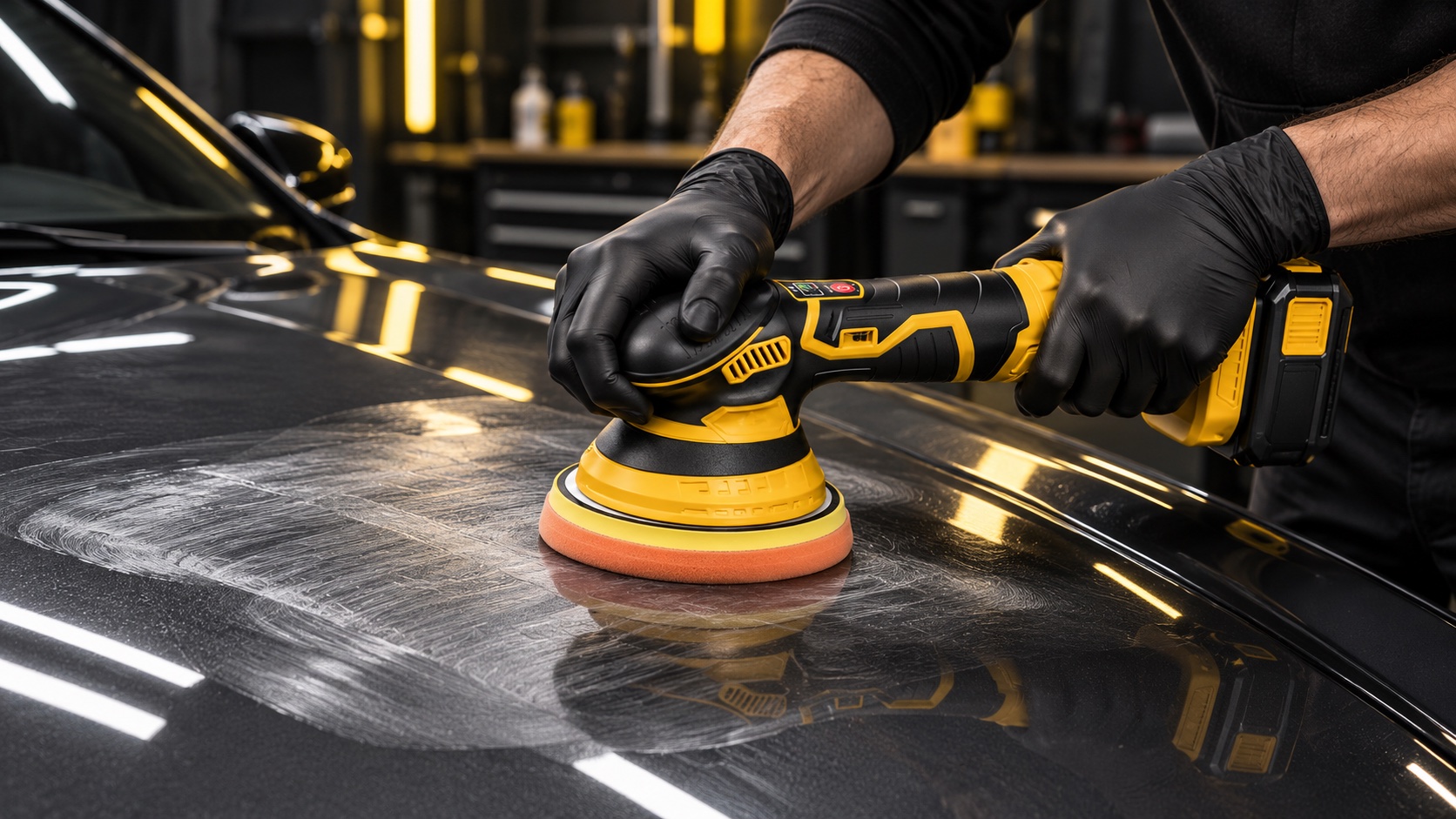
Set the work pattern. Place the pad flat against the panel before switching on at a low speed. Work in small sections of approximately 10 × 10 inches.
Make correction passes. Select the speed for the task and make three to four overlapping cross-hatch passes. Keep the pad level, guide the tool without pressing down and limit each section to about one or two minutes.
Wipe down and inspect. Remove polish residue with a clean, high-GSM microfiber towel and inspect the finish under a dedicated detailing light. Reapply polish sparingly if needed.
Step 03
Paint Protection: Waxing or Sealing
Apply the final wax or sealant using the same cross-hatch pass pattern. Switch to an ultra-soft finishing foam pad, lower the machine speed and use only the weight of the machine—without added downward pressure—to lay down a thin, even layer of paint protection.
Car Detailing Tips
Car Detailing Tips
How to Choose the Right Polishing Pad
Understand the basic pad roles, then confirm compatibility with your tool, product and paint-care task.
Read Guide →
Use clean equipment, work in a well-lit area and begin with the least aggressive suitable approach. [INSERT VERIFIED GUIDE CONTENT]
Polishing Guides
Polishing Guides
A Beginner’s Guide to Car Polishing
Plan a careful first session—from cleaning and inspection to a small test area and final wipe-down.